
About JotClipart
About JotClipart
We're an independent clipart library for personal projects and education, with tools to help you use the artwork.
A worksheet, a birthday card, a classroom label, or a slide that needs a clear picture. Find an illustration, make it fit, and save the version you need.
Catalog artwork is free for personal and educational use. See the license
 Examples From the Library Examples from the JotClipart library
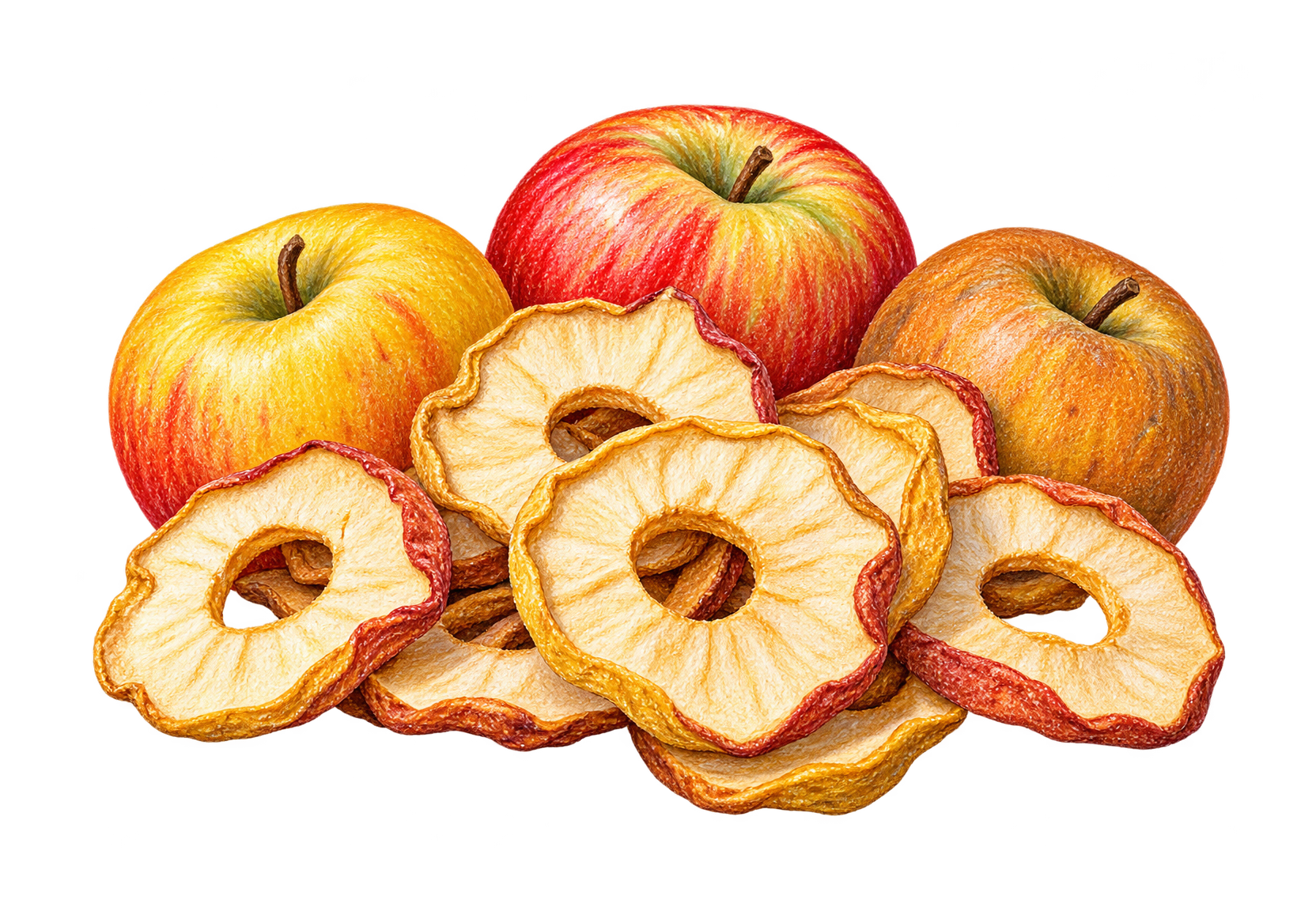

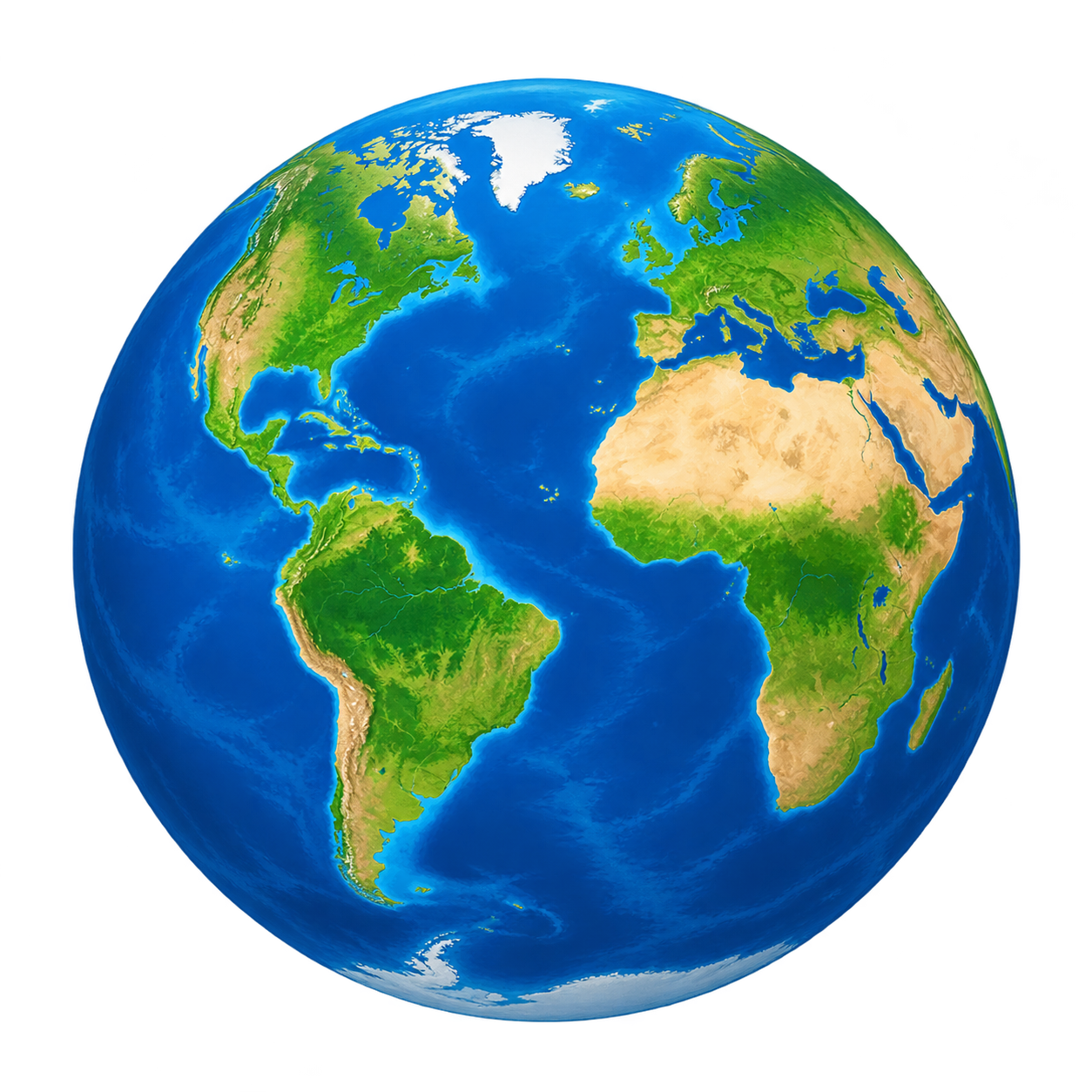
- 49,858
- illustrations in the catalog
- 804
- subjects with artwork to explore
- Image + PDF
- digital images and printable files
Why we're here
Why We Built JotClipart
We built JotClipart because finding a picture is often only the first task. You may also need to add a name, leave room for instructions, check a print size or save a few images for later.
That's why the library sits alongside an editor, Favorites boards, a print size calculator, and practical guides. You can find the artwork and work through those next steps in the same place.
Our focus is everyday use: useful pictures, clear file information, and tools you can understand.
The people behind JotClipart
Meet the Co-Founders
Melih and Mustafa are building an independent library for personal projects and education.

Melih
Co-Founder
Design & Creative Direction
Melih leads the design of JotClipart, from the way artwork is presented to the details of each page. He enjoys working with illustration and making the site clear enough that people can find a picture and start using it without a long explanation.

Mustafa
Co-Founder
Software & Infrastructure
Mustafa builds the software and infrastructure behind JotClipart. His work connects the catalog, editor, downloads and saved boards. He enjoys solving the practical problems behind those tools so people can concentrate on their designs.
What you can do here
Start with the part of your project you need help with.

Find an image. Choose your file.
Browse by subject or search for an idea. Open the artwork page to see its background, dimensions, file size, and available downloads.
Explore the artwork
Make it fit your project.
Use Clipart Studio to add text, arrange images, and adjust your layout. Save an editable project when you want to continue later.
Open Clipart Studio
Keep the ideas you want to use.
Save artwork to Favorites and organize it into named boards. Add notes and keep separate collections for a class, a celebration, or your next project.
Open FavoritesFor personal projects and the classroom
The same illustration can play a different part in each person's work.

For teachers and learning
Add pictures to worksheets, teaching slides, labels, visual reminders, and discussion prompts. The teacher page brings together classroom ideas, real artwork, and preparation steps.
Personal and educational use of the catalog is free. Choose material that fits your students and check one finished copy before class.
Visit For Teachers
For something you're making yourself
Make a personal greeting card, scrapbook page, party invitation, gift label, or a family activity. Add your own words and keep a project file if you want to change it later.
Use boards to gather ideas by occasion or person, so your next project has a place to begin.
See how to use the siteHow the Library Works
What you can expect from the artwork pages, files and editing tools.
-
A useful subject comes first
The library covers animals, food, nature, celebrations, school, technology, and everyday objects. Subject pages bring related illustrations together so you can compare different treatments.
-
File details belong beside the artwork
Each artwork page shows the available files and their recorded details. Image dimensions, background information, and print measurements help you decide which version to use.
-
Editing should be clear about what is editable
A downloaded image can be one raster layer. Layered starters can contain separate objects. In Studio, added text and shapes are editable; saving a project keeps the structure of your current design.
-
There should be a way to ask or report a problem
If an image, description, download, or control needs attention, send us its page address and explain what happened. Copyright concerns and accessibility feedback are welcome too.

Help with the next step
The Guides use real site screens to explain downloading, editing, printing, and organizing artwork. The print size calculator helps you work from an image's pixel dimensions to a physical size.
For a new image from a written idea, try AI Clipart Builder. AI generation is a separate tool with daily capacity limits. The builder shows its current availability and usage information.

Free to use for personal and educational projects
You can download, edit, and print catalog artwork for those purposes without paying. Commercial use and resale as clipart are not permitted. Editing an illustration does not remove its catalog license.
Your original work, imported materials, and images from the Builder have different considerations. The license page explains the distinctions.
Read the full license