


Prepare a worksheet or handout
Start with the question and the space students need to respond. Add illustrations where they help explain or complete the task.
-
Set the task
Write one clear instruction. Decide whether students will label, compare, explain, sort or draw, then reserve enough answer space.
-
Choose the illustration
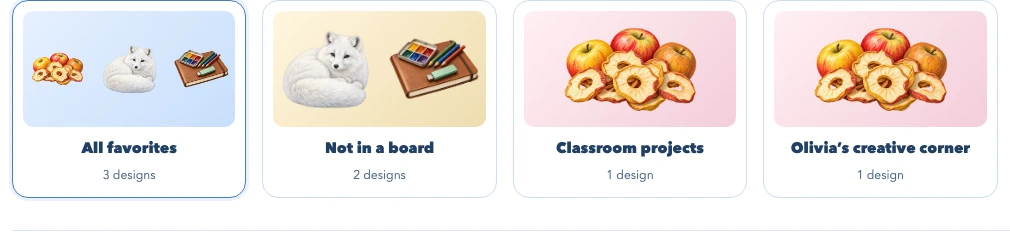
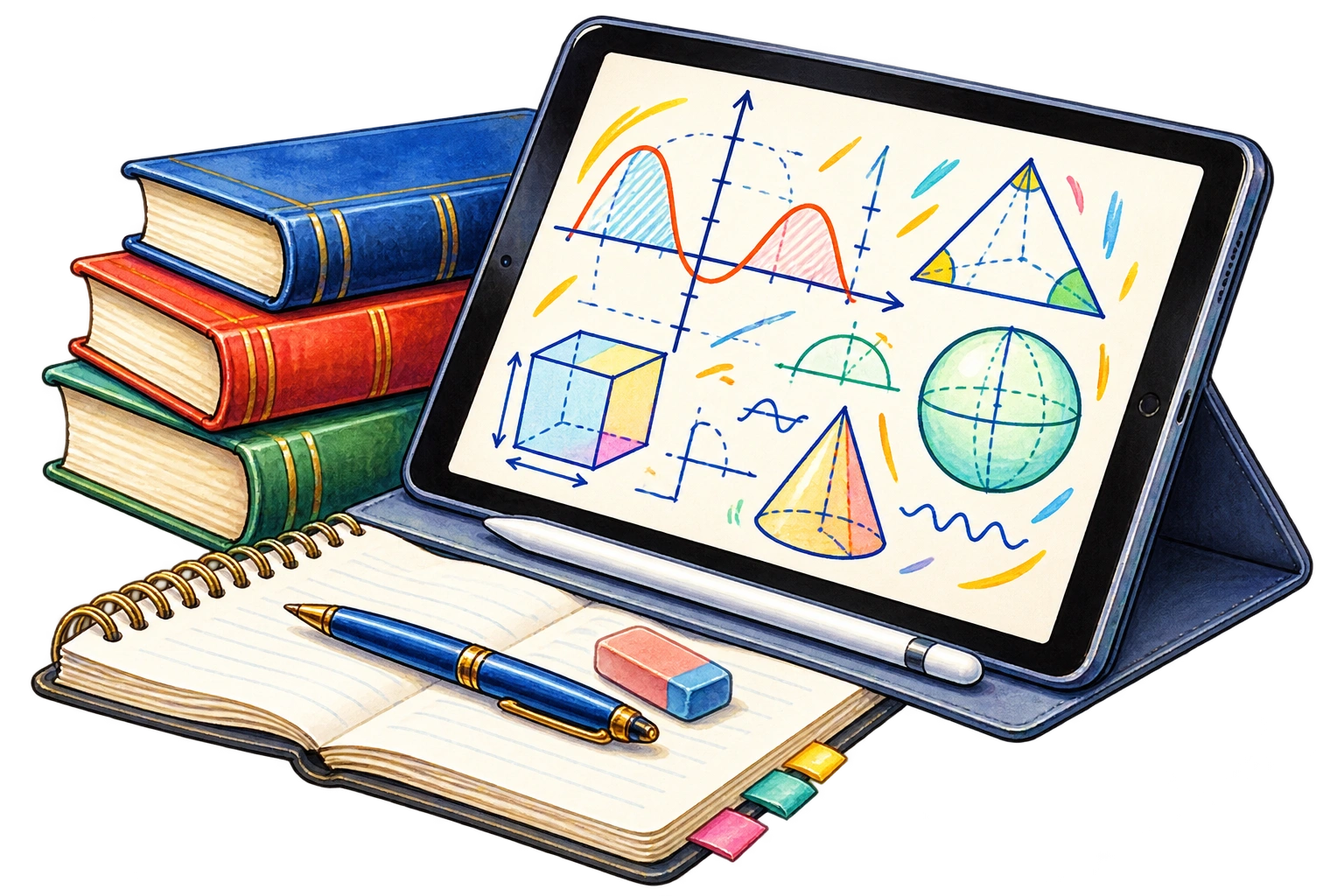
Browse a subject and open the artwork page. Check the image dimensions and background, then choose Download Image.
-
Build the page
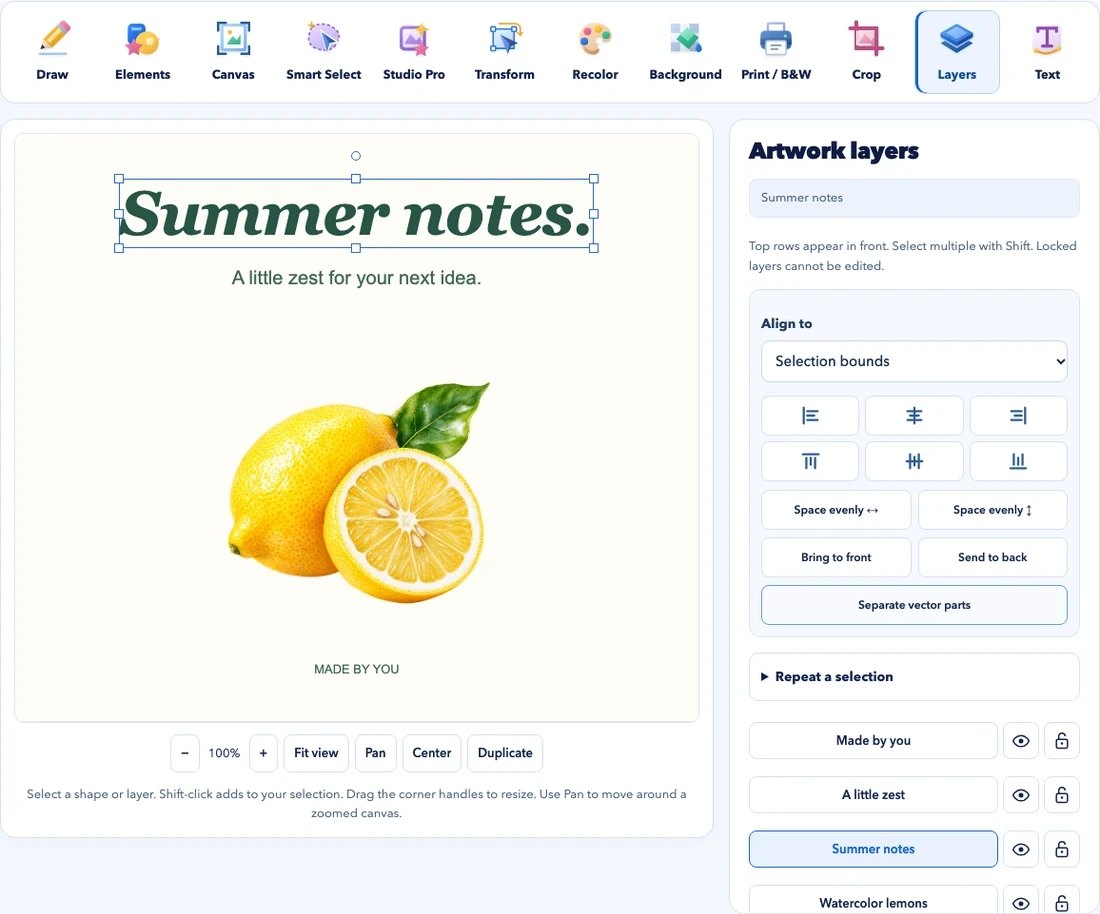
Place the image in a compatible document app, or arrange it with text in the studio. Keep the instructions as editable text in your source document.
-
Check a printed copy
Confirm the paper size, margins and image size. Read the smallest text on one printed copy before printing copies for the class.
Offer a word bank, fewer items or a larger answer area. Keep the same learning goal while changing the amount of reading or writing required.